Selfie to Professional Photo AI: A Step by Step Guide
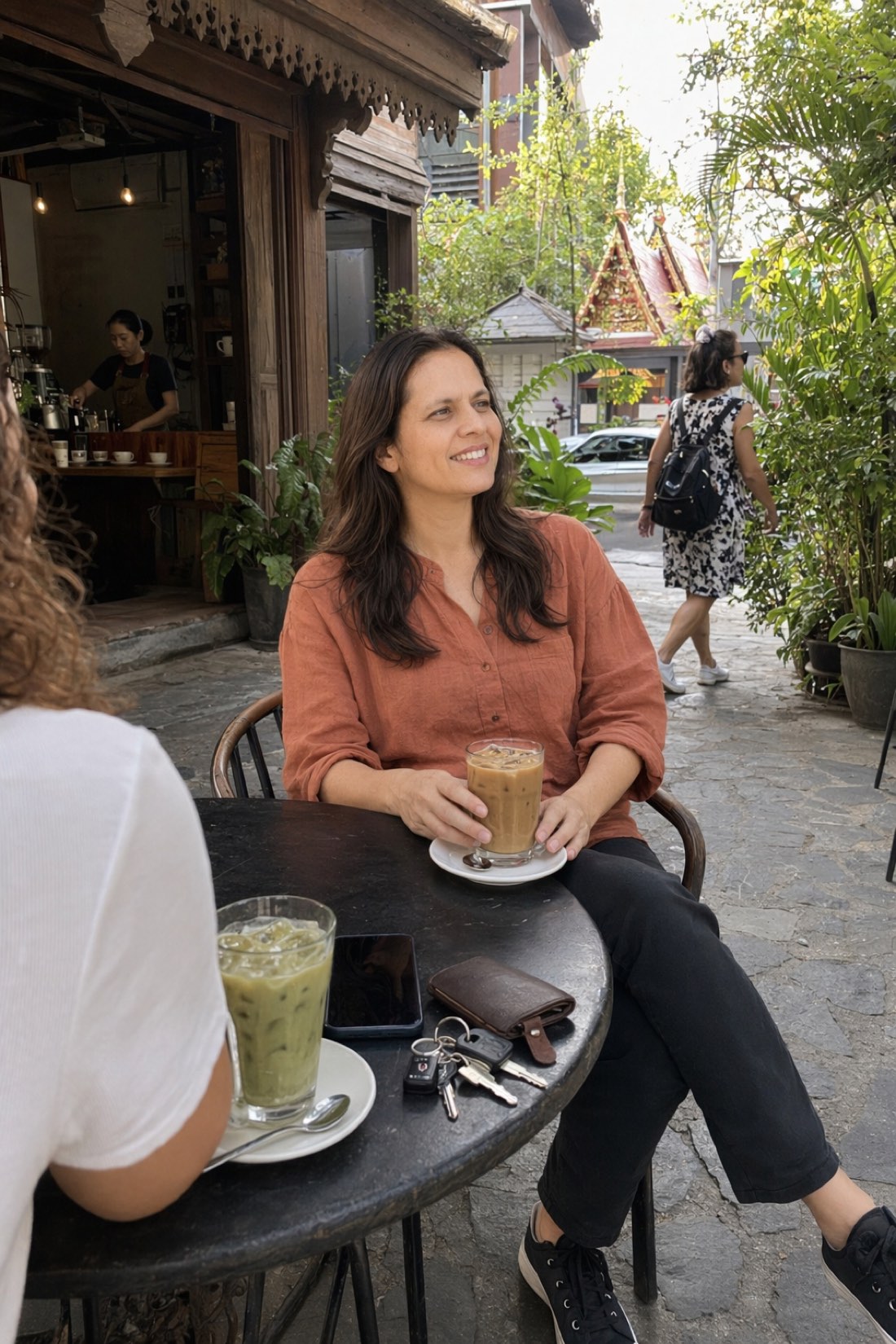
The photos on your phone and the photo your career needs are usually two different things. One folder holds selfies, group shots, and vacation blur; the other slot, on LinkedIn, a company page, a conference bio, sits empty or shows something five years old. The fix used to be a photographer. Now it is a conversion: phone photos in, professional photos out.
Here is the honest version of how that works, step by step, including the part most tools skip: which phone photos actually convert well.
Step 1: Pick the right source photos
This decides most of your result, so slow down here.
Go through your phone and pull out photos where someone else took the picture from a normal distance: waist-up or wider, your full face visible, decent light. Photos from dinners, walks, events. These carry your true proportions.
What to leave out, even though it feels natural to include them: arm's-length selfies and mirror selfies. A front camera held close is a wide-angle lens, and it warps your face, bigger nose, flattened depth. Feed that in and the AI faithfully reproduces a distorted you. Also skip anything filtered, anything with sunglasses, and anything blurry.
Aim for a handful of clean, recent, unedited shots. That set is your studio.
Step 2: Upload and choose your settings
With CMeIn, upload your reference photos and pick the scenes that fit the professional register you need:
- Corporate: office settings, business attire, for finance, law, leadership roles.
- Approachable professional: a good café, smart-casual, natural light, for creators, coaches, consultants, tech.
- Event: formal-dinner and networking settings, for speaker bios and about pages.
The hero photo above is the approachable register: composed, warm, clearly professional without a hint of studio stiffness. And the corporate end of the range:
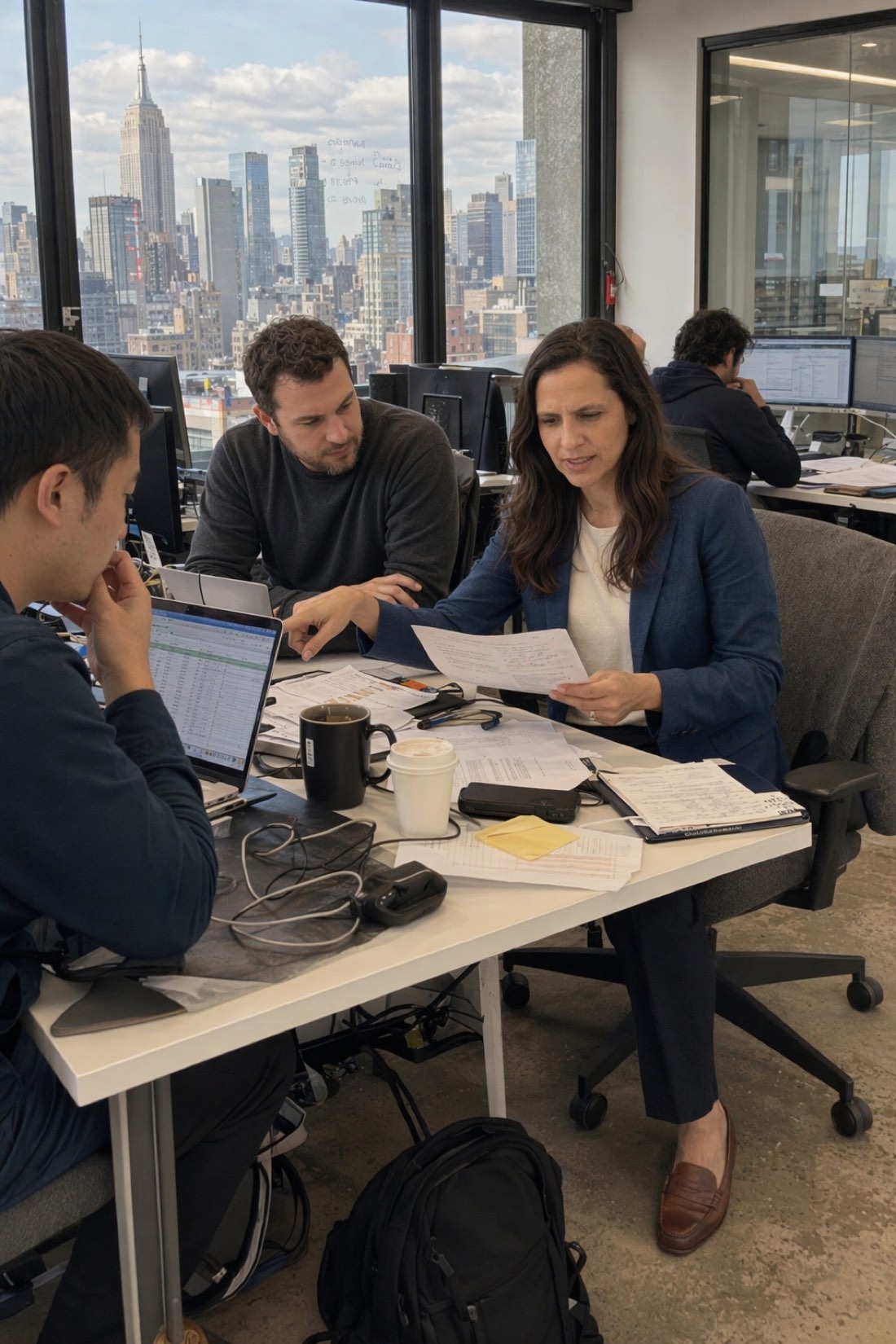
Our personal branding guide maps which style fits which field.
Step 3: Generate and curate
Generate a batch across your chosen settings, then select ruthlessly. Two filters, applied in order:
- Instant recognition. Would a colleague spot you with zero hesitation? Anything that looks improved, slimmer, smoother, younger, gets cut, because it will not survive a video call.
- Register fit. Of the survivors, keep the ones whose setting and energy match where the photo is going.
The temptation is to keep the most flattering image. The right move is keeping the most accurate flattering image. That distinction is the entire craft, and it is why CMeIn preserves your real features rather than polishing them; the details are in how AI preserves faces.
Step 4: Deploy it everywhere, consistently
Use the same generated set across LinkedIn, your site, your email avatar, and internal tools. Consistency compounds: people connect the face to the name faster when the face never shifts. When your look changes, a new batch from updated reference photos takes minutes, not another photographer booking.
The honest summary
A phone full of casual photos already contains everything needed for professional ones: your real face, from several angles, in real light. The AI supplies the settings, the wardrobe, and the composition. You supply the judgment about which results are honestly you.
- See converted results in the public examples.
- Then check the credit packs and start with the best photos already on your phone.
Related reading: Professional Headshots Without Photographer Expenses, AI Headshots That Look Like You.