Professional Headshots Without a Photographer
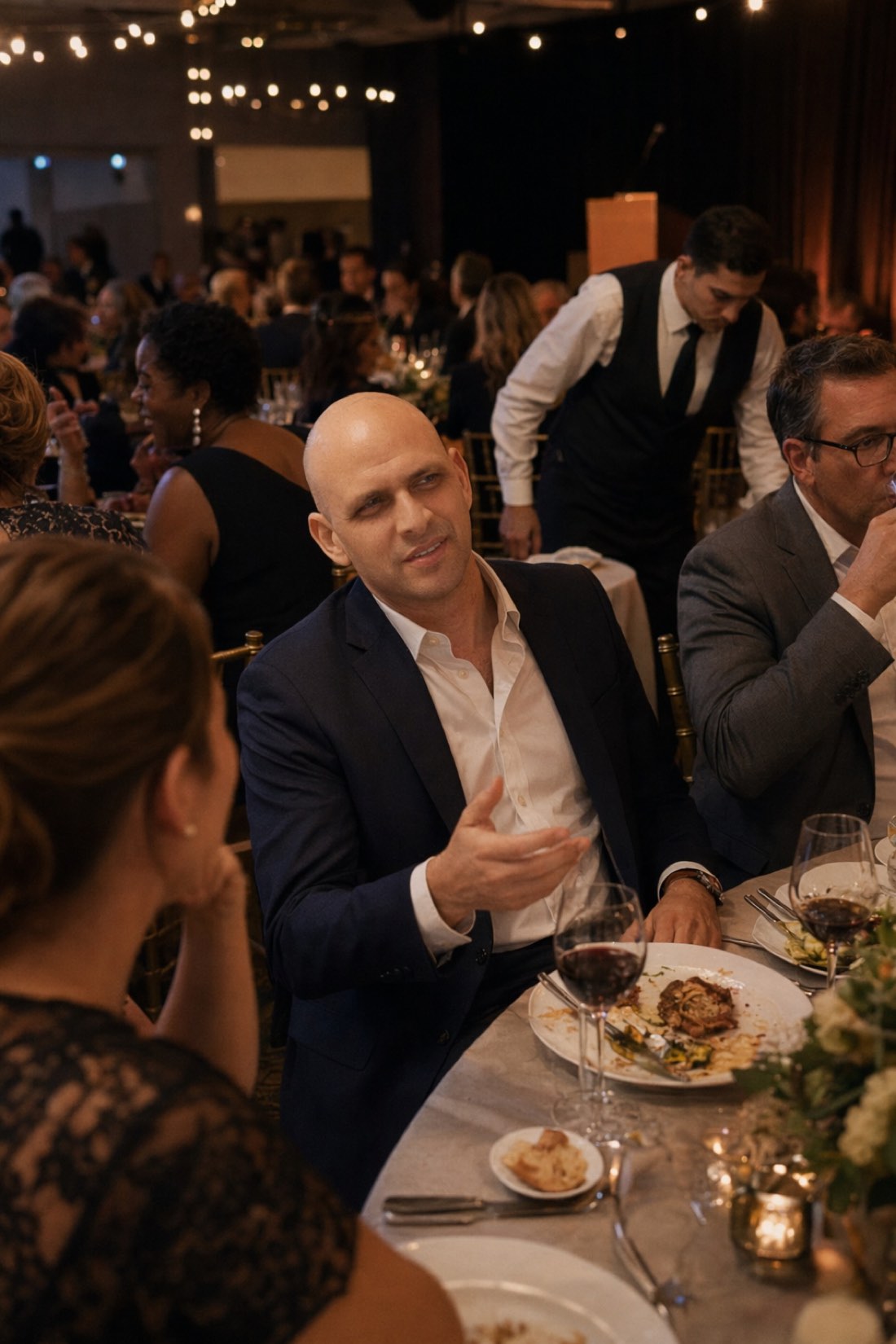
If you want professional headshots without a photographer, the first question is which thing you actually need — because two very different photographs get called a headshot, and only one of them is a job for an AI tool.
One is the formal studio portrait: evenly lit, neutral backdrop, shoulders up, the corporate standard. The other is a photograph of you somewhere real, used as a profile picture. The second is increasingly what people prefer and what platforms reward. The first is still required in some places, and no AI tool does it convincingly — including this one.
This is the honest version of the answer: what a photographer's fee actually buys, three cheaper routes and when each is right, and how to not waste the attempt.
What the fee actually buys
A headshot session is usually somewhere between $150 and $500. It is worth knowing what that covers, because some of it you can replicate and some of it you cannot.
Lighting. The real product. Two or three controlled sources that remove shadows under the eyes and separate you from the background. This is the hardest part to reproduce at home and the main reason studio photos look like studio photos.
Direction. Someone telling you to drop your shoulder, turn four degrees, stop doing the thing you do with your mouth. Most people photograph badly because nobody is telling them anything, not because of the camera.
Selection. They shoot two hundred frames and hand you six. That filtering is a skill, and it is why the results look consistent.
A backdrop and a room. Genuinely just a wall and space to put lights.
What it does not buy is a better face. You get your face, well lit and well chosen.
Route one: the DIY studio version
If you specifically need the formal, neutral-background headshot, this is the cheapest route that actually works, and it costs nothing.
Find a window and a wall. A large window with no direct sun, a plain wall two or three steps away from it. Stand facing the window, not with it behind you.
Have someone else hold the phone. From about two metres, at your eye level, using the rear camera and the 2x lens if you have one. Never a selfie, never arm's length — close range distorts a face, which is why selfies rarely look like their subject.
Fill the shadow side. A white door, a sheet, or a piece of card held opposite the window. This is what the second studio light does, and card does most of it.
Take eighty photographs, not five. Small changes between frames: chin slightly down, weight on one foot, a breath out before each one. The hit rate is low for everyone.
Have your helper direct you. Even badly. "Shoulders down, look just past me" is most of professional direction.
Done carefully this is genuinely close to a paid session's output. Done casually it looks like a photo against a wall.
Route two: a photograph of you in a real place
This is what CMeIn produces, and it is a different format rather than a cheaper version of the same one.
You upload a handful of ordinary phone photos, choose a setting, and get candid, environmental photographs: you at a normal distance in a place with its own light — a café, a workshop, a street, a room with something in it. Your actual features and proportions, natural skin texture, the imperfection of a real camera.
For a profile picture, a conference bio, a company team page or a personal site, this generally works better than a studio portrait. A person in a place reads as a person. A cropped head against grey reads as a placeholder, and everyone has scrolled past a thousand of them.
Where it is the wrong choice: if your employer requires the standard format, or you are in a field where the convention is strict — some legal, financial and medical directories, certain corporate templates — you need route one or route three. CMeIn will not produce that look, deliberately, and no amount of prompting changes it.
Route three: pay someone, sometimes
Worth saying plainly. Hire a photographer when the photograph has a specific job that justifies the cost: a book jacket, press use, a role where the image is the product. Also when the format is mandated and you cannot get route one to look right.
For a LinkedIn picture you will change in two years, $400 is a lot of money.
What to upload, if you take route two
The reference photos decide the result almost entirely.
Eight to fifteen ordinary photos. Clear, recent, your face from several angles. They do not need to be good photographs.
Waist-up, not close-up. The generator needs your head and shoulders in proportion, not features filling the frame.
Even daylight. Window light, or outside under cloud.
Recent. Old photos pull the result toward the person you used to be.
Not selfies. The single most common reason a result does not look like someone. Arm's length distorts the face — nose larger, ears receding.
No sunglasses, hats, heavy filters, or group shots where your face is small. Each one removes information you are asking the tool to reproduce.
Ten clear photos beat forty where half are squinting.
How to judge what comes back
One question first: would someone who knows you recognise you instantly, without thinking about it? If not, discard it, however good the lighting looks.
Then check for polish, which is what makes a generated photo obvious: skin with no texture, light that could not exist in that room, a subject sharper than the wall behind them. And check the edges — where hair meets a collar, where a sleeve meets a wrist.
Keep few. Four photographs that are unmistakably you beat twenty where three are a stranger.
The short version
Need the formal studio format? Route one with a window and a friend, or pay someone. Need a profile photograph that looks like you in the real world? Route two, and it will be better than a studio portrait for that purpose anyway.
See examples of what route two produces, check pricing, or start with the photos on your phone. For the full process, read How to Create AI Photos of Yourself.