How AI Preserves Faces and Proportions in Photos

Anyone can generate a photo of a person. The hard problem, the one that decides whether AI photos are useful at all, is generating a photo of you: same face, same proportions, recognizably the person who walks into the room. This piece explains why most tools drift away from your real face, what preservation actually involves, and how to check any result.
Why most AI photos drift
Generators are trained to produce images people rate as attractive, and that pressure pulls every face toward a polished average: smoother skin, more symmetry, a slightly narrower jaw, slightly larger eyes. No single change is dramatic. Stack them and the output is a good-looking cousin of you rather than you.
Proportions drift the same way. Tools trim waists, broaden shoulders, and stretch height, because idealized bodies score well. The result photographs nicely and fails in the real world, where the photo's entire job is to represent the actual person.
What preservation actually means
Preserving identity is not about sharpness or resolution. It is about geometry, the measurements that make your face yours:
- Facial structure. Eye spacing and shape, nose, jaw, cheekbones, head shape. These have to stay fixed across every generated scene.
- Natural asymmetry. Real faces are not symmetrical, and that asymmetry is a huge part of recognition. Erasing it is one of the fastest ways to stop looking like yourself.
- Skin that stays yours. Texture, lines, tone. Airbrushing removes identity along with the pores.
- Honest body proportions. Your build, unchanged, in every pose and outfit.
This is the entire design philosophy behind CMeIn: hold the geometry fixed, vary everything else. The scene, outfit, and lighting change freely; you do not.
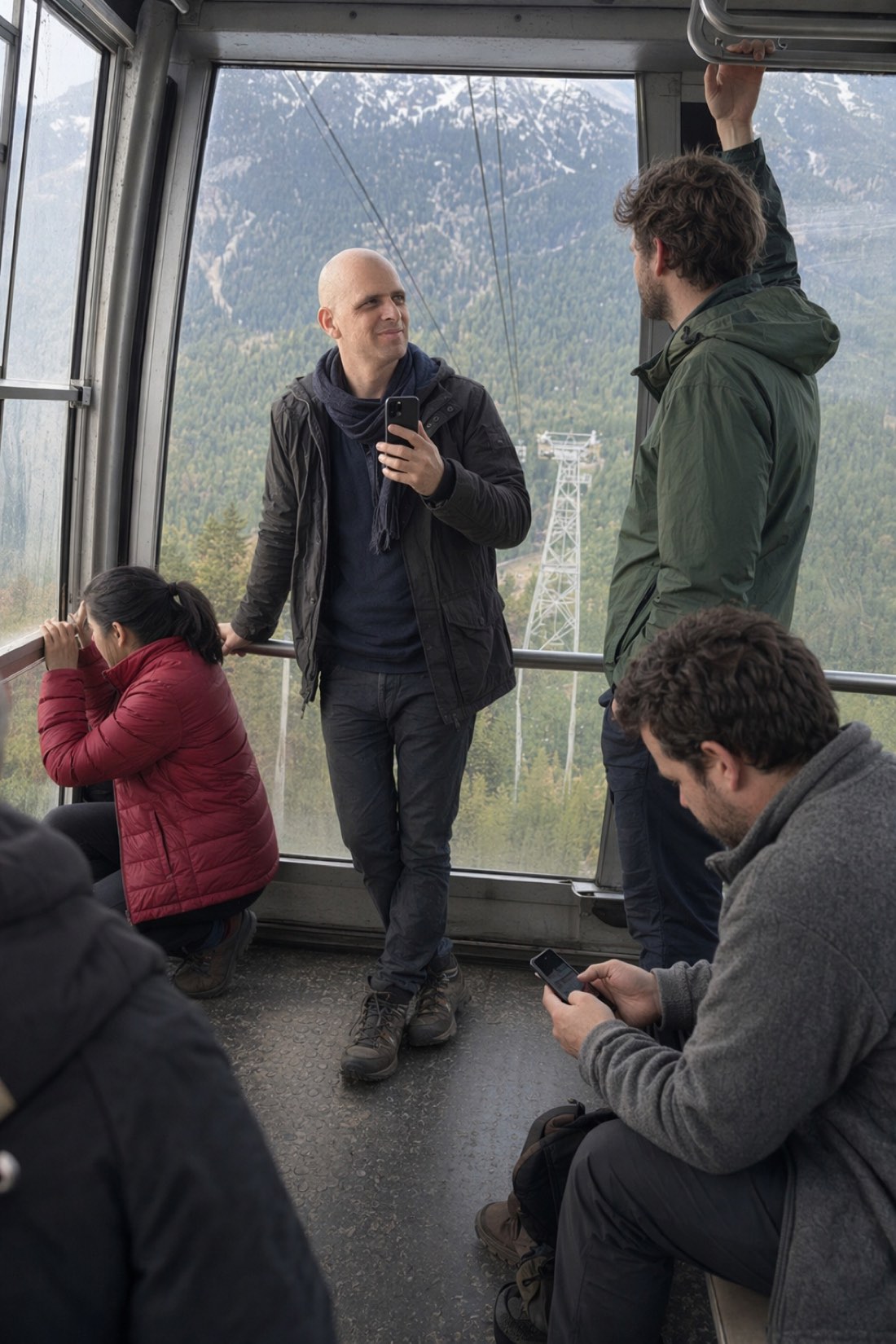
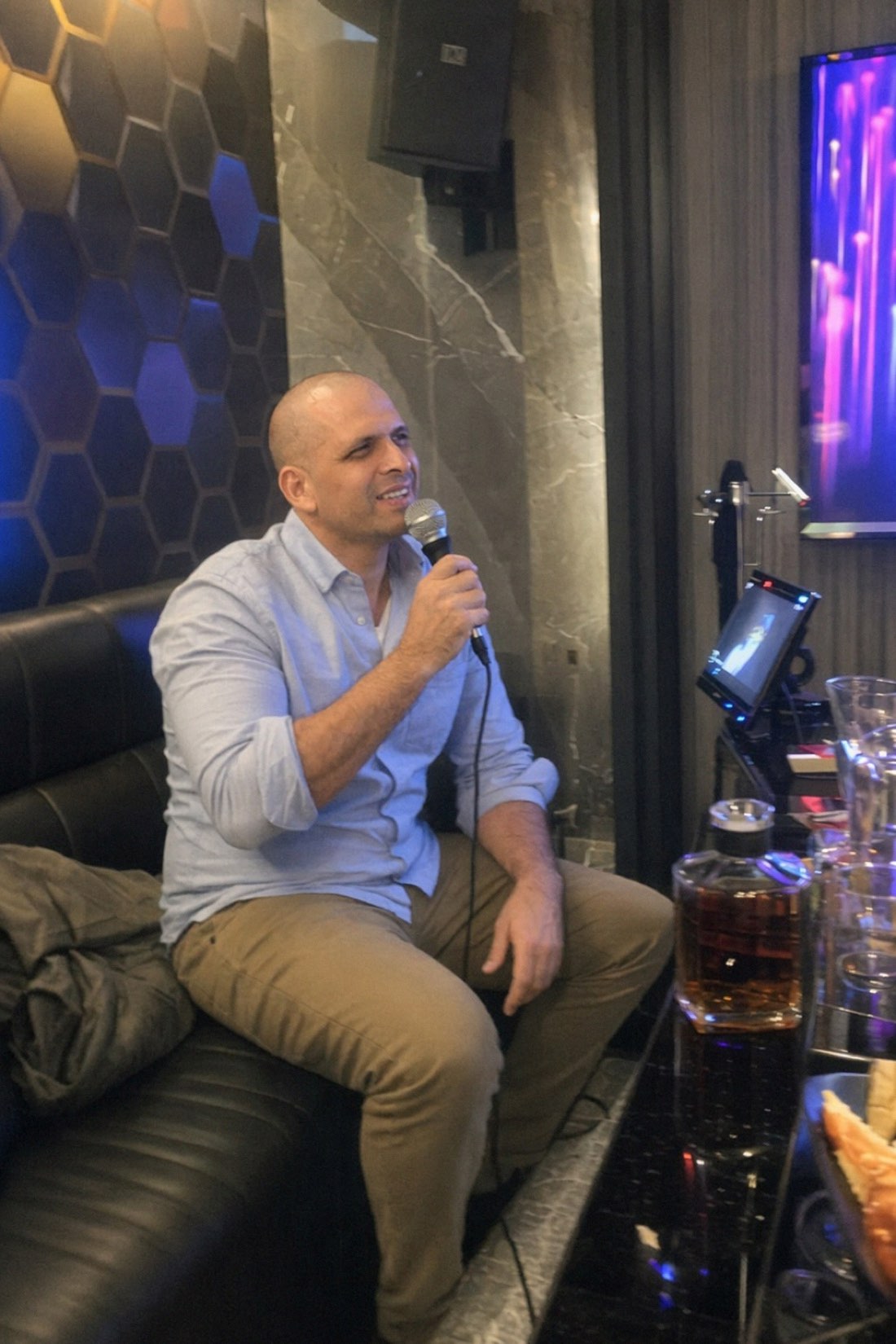
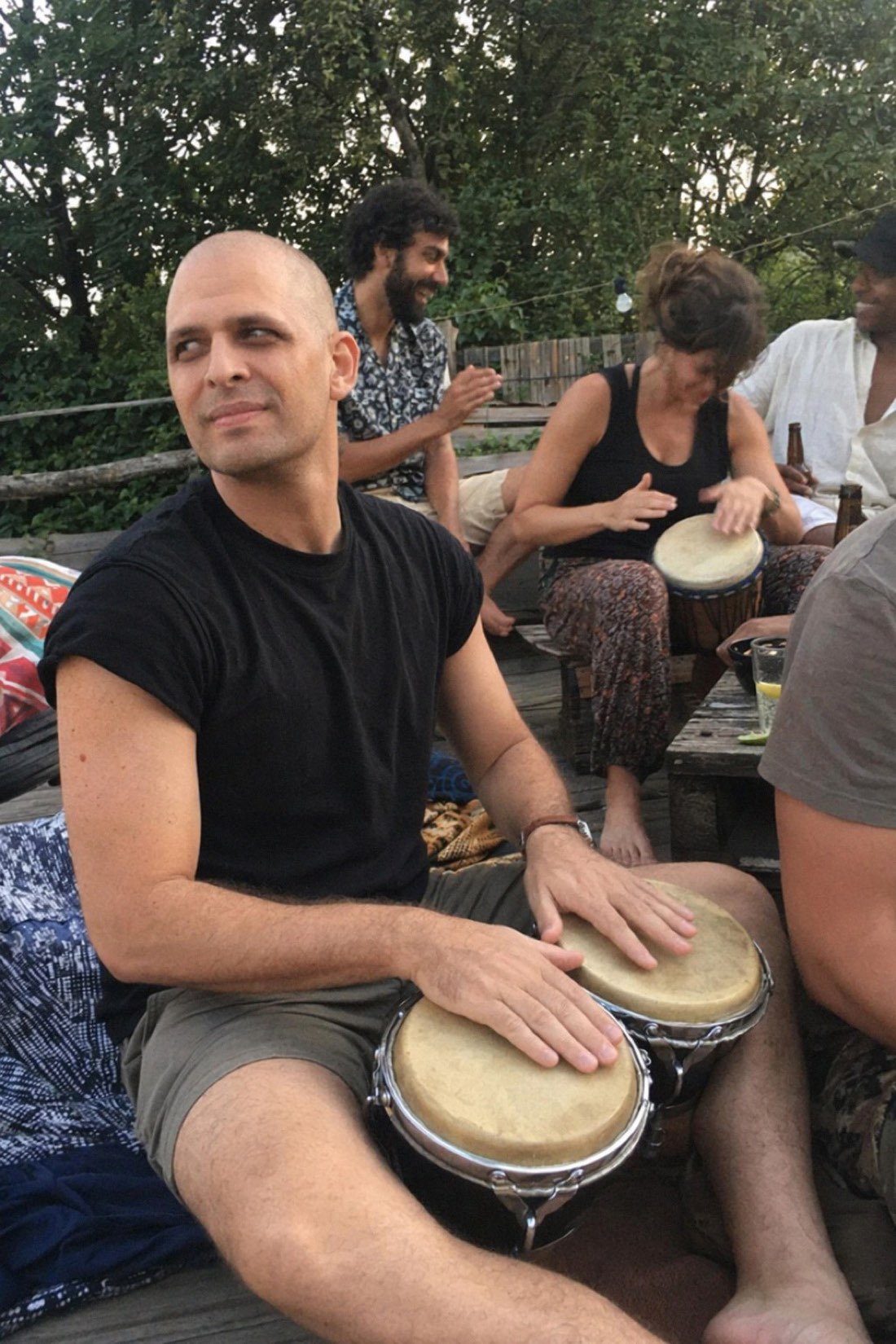
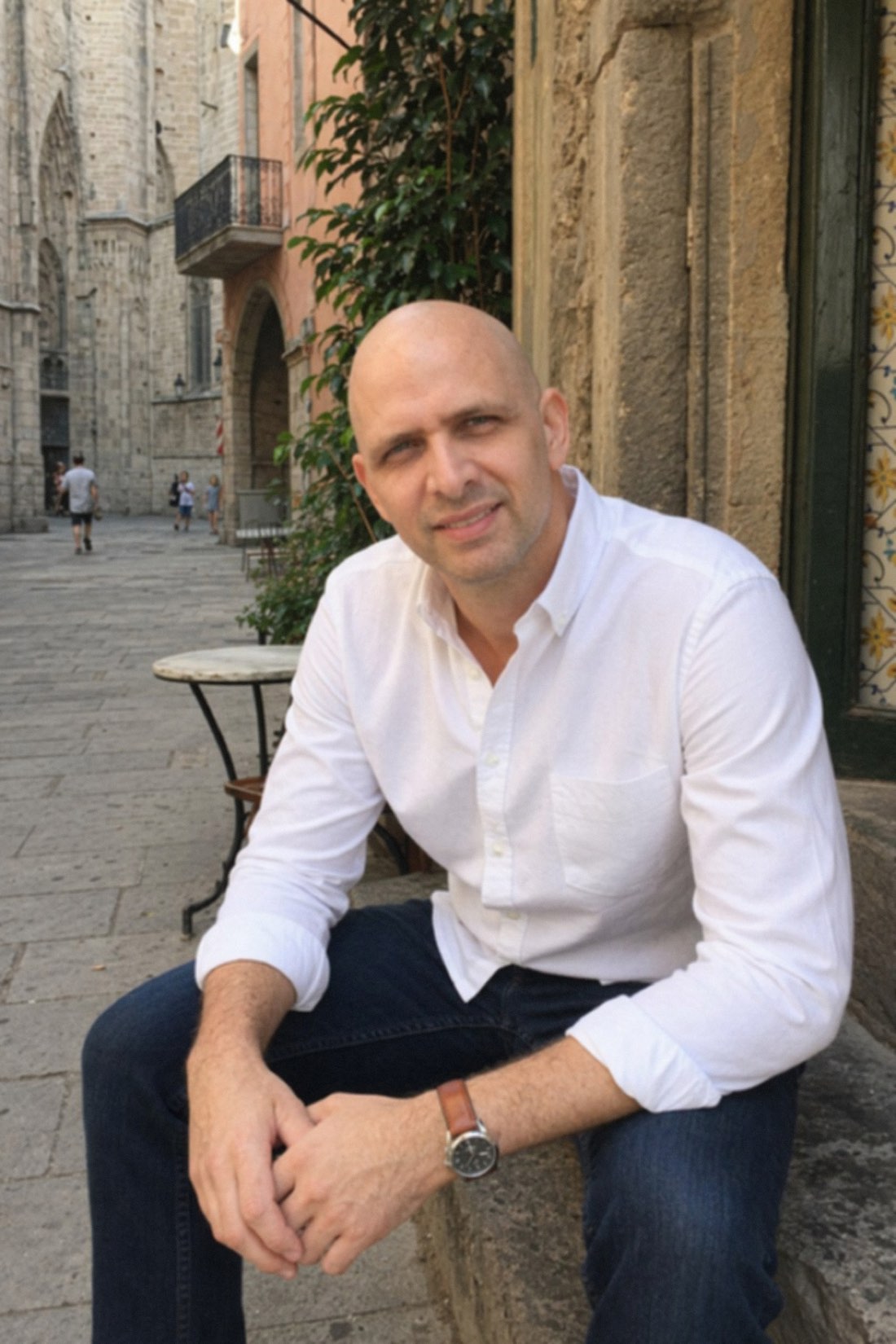
One face, four completely different scenes. Preservation means the geometry never moves.
Your reference photos are half the system
The AI can only preserve what it can measure, and it measures from your reference photos. Two inputs sabotage likeness more than anything else:
Close-up selfies. A phone lens at arm's length distorts perspective, enlarging the nose and forehead and flattening depth. Feed the AI selfies and it faithfully preserves a warped version of you. Use photos taken a normal distance away, waist-up or wider.
Filtered photos. A face-tuned reference has already lost your real geometry. The AI inherits the edit and compounds it.
The fix is simple: several clear, recent, unfiltered photos in good light, full face visible, ideally from slightly different angles. Give it honest geometry and it can keep you honest.
How to check any result
Run every AI photo through a thirty-second inspection:
- The recognition test. Would a friend spot you instantly, with zero hesitation? This outranks everything else.
- Asymmetry check. Your uneven eyebrow, your slightly crooked smile, still there?
- Skin check. Real texture, or waxy smoothing?
- Proportion check. Head-to-body ratio and build unchanged?
- Hands and edges. Intact fingers, clean boundaries with the background.
A photo that passes all five is preserved. A photo that fails the first one is a stranger, no matter how good it looks.
Try it on your own face
The proof is generating a scene and seeing yourself, actually yourself, in it.
- Look at the public examples with the five checks above in mind.
- Then check the credit packs and start with a few clear reference photos.
Related reading: AI Photos That Look Authentic: The CMeIn Methodology, AI Full-Body Photo Generator: Beyond Just Headshots.